Using Stata via OnDemand
Stata is a general purpose statistical software package, that provides data management, statistical analysis, graphics, simulations, regression, and custom programming.
Using Stata on Apocrita via OnDemand allows you to run a GUI interface. Please refer to the overview section for instructions on how to login to OnDemand.
Starting a Stata session
Select Stata from the GUIs list of the Interactive Apps drop-down menu, or from the My Interactive Sessions page.
Once you have chosen the resources your job will need, including the version of Stata required, click the Launch to queue the job. Once resources are allocated, click the blue Launch Stata button to connect to your session.
Once clicking Launch, the request will be queued, and when resources have been allocated, you will be presented with the option to connect to the session by clicking on the blue Launch Stata button.
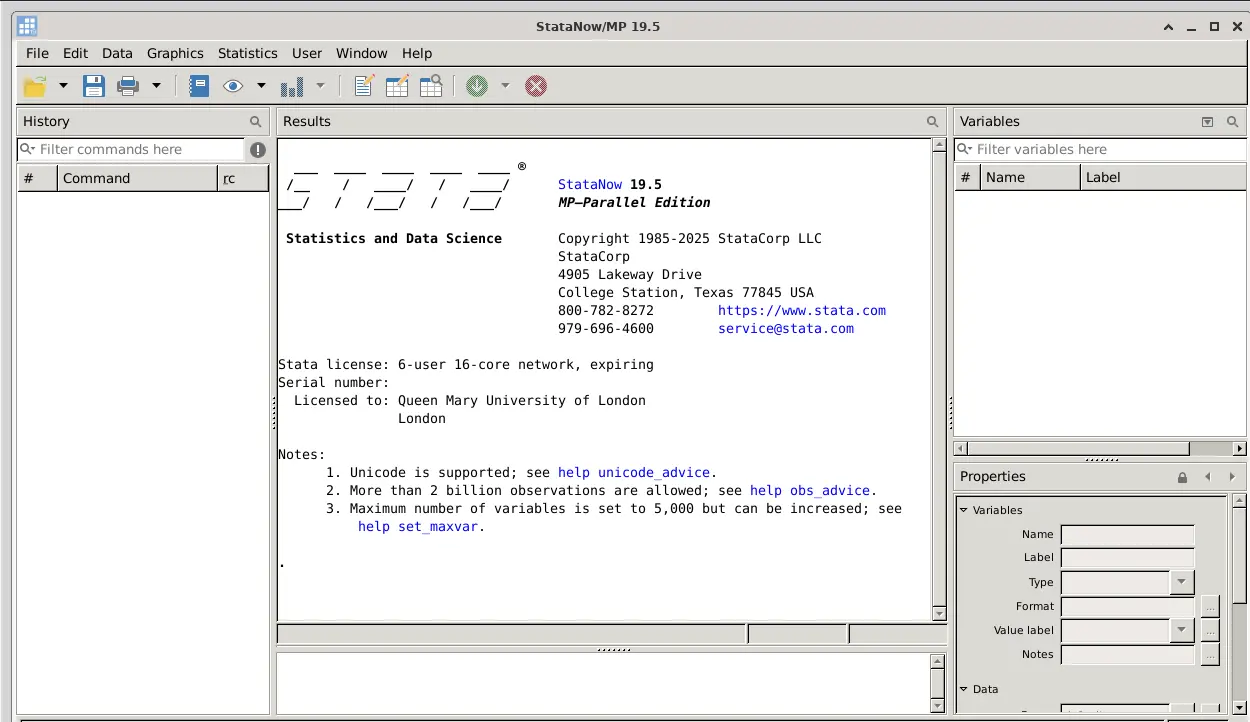
Once connected, the familiar Stata interface is presented, and you will be able to use the allocated resources, and access your research data located on Apocrita.
Exiting the session
If a session exceeds the requested running time, it will be killed. You can finish your session using one of the following methods:
- clicking [x] in the upper right corner of the Stata application
- selecting File -> Exit from the application menus
- clicking the red Delete button for the relevant session on the My Interactive Sessions page.
After a session ends, the resources will be returned to the cluster queues.